

How it works
From your phone to the beach, no hassle
Choose on the website, put your request together and send it: we'll write to you to confirm availability. Here you'll also find each service's windows and the journey in the app, which is in testing.
- Book on the website
- Prices in US dollars
- Payment with Tilopay
- App: coming soon
Today, on the website
How booking works today
Until the app reaches the stores, you book on this website in four steps.
- 1
Choose
Vehicles, transfers, tours and services with their price in US dollars, their requirements and their windows, just as they are in the catalog.
- 2
Build your request
On “Book” you pick the date, the time and the details. Your message is ready, and that step doesn't charge or book anything.
- 3
Send it
Send it by email: the message is already written, with everything you picked.
- 4
We confirm
We'll write to you to confirm availability and explain how to pay and, for a vehicle, how to send your documents and sign the agreement.
Cancellations and notice
If your plans change
Each service has its own free cancellation window and minimum notice. These are today's, taken straight from the catalog.
Vehicles
- Free cancellation up to
24 h beforeHonda ATV 520 and Golf cart
48 h beforeFord Edge 2023
- Book at least
2 h aheadHonda ATV 520 and Golf cart
12 h aheadFord Edge 2023
Transfers
- Free cancellation up to
24 h beforeAirport transfer Liberia (LIR) - Nosara
Cancel in the appTown & beach shuttle
- Book at least
1 h aheadTown & beach shuttle
24 h aheadAirport transfer Liberia (LIR) - Nosara
Tours & experiences
- Free cancellation up to
24 h beforeAll
- Book at least
12 h aheadAll
Villa services
- Free cancellation up to
24 h beforeGrocery delivery and In-villa massage
Cancel in the appVilla cleaning, Maintenance request and Other request
- Book at least
2 h aheadAll
You can cancel bookings in the app, and requests too until they're completed. After the window, get in touch and we'll see how we can help.
Coming soon
With the app (coming soon)
The app is in private testing. This is the whole journey on your phone, in seven steps; some only apply to certain services and we flag them.
Step 1Browse and book
Choose with everything in view
On the website or in the app you see vehicles, transfers, tours, events and services with their price in US dollars, the requirements, the minimum notice and the cancellation window. Pick the date, time and length, and book.
- Prices in US dollars, before you book.
- If a service says “To be quoted”, we send you the price before charging anything.
- What's included in your stay is marked “Included”.
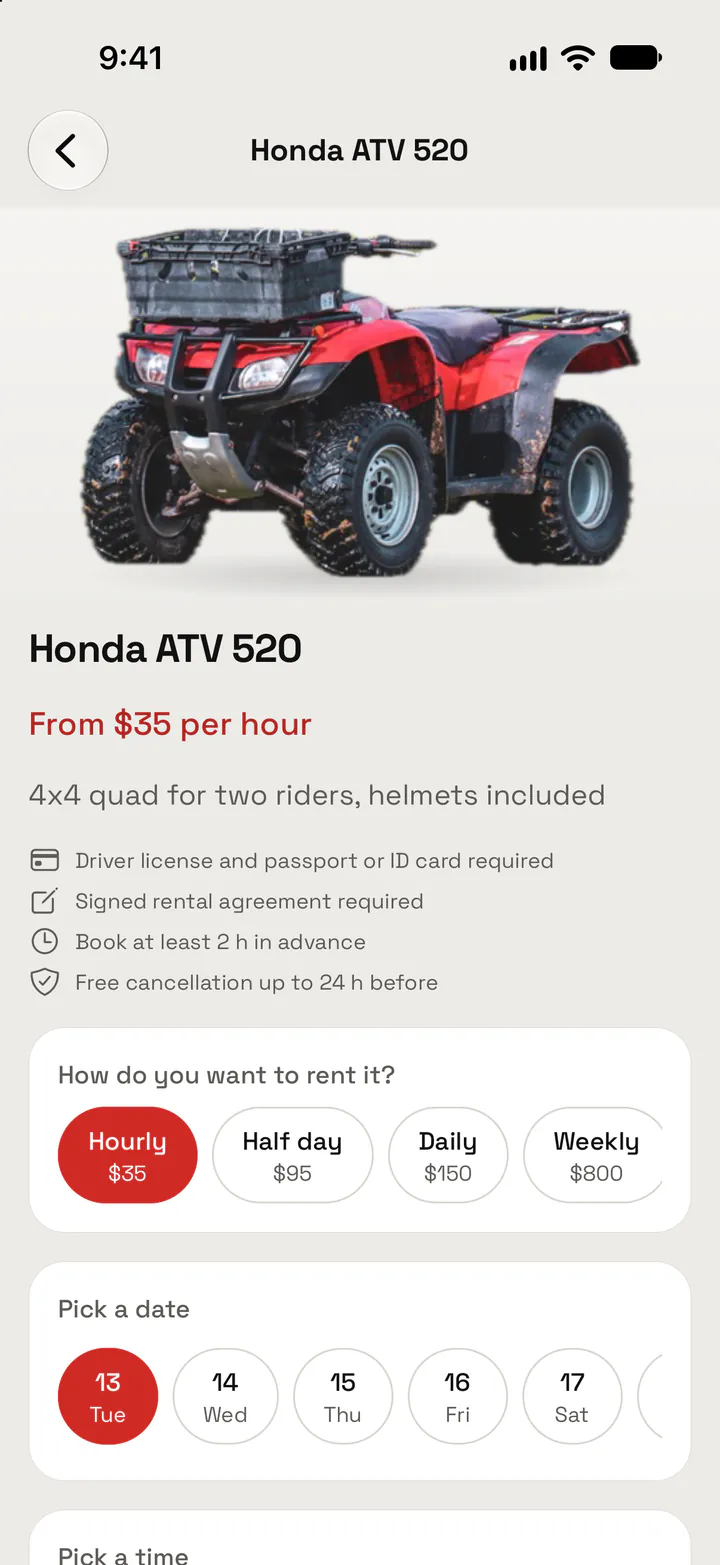
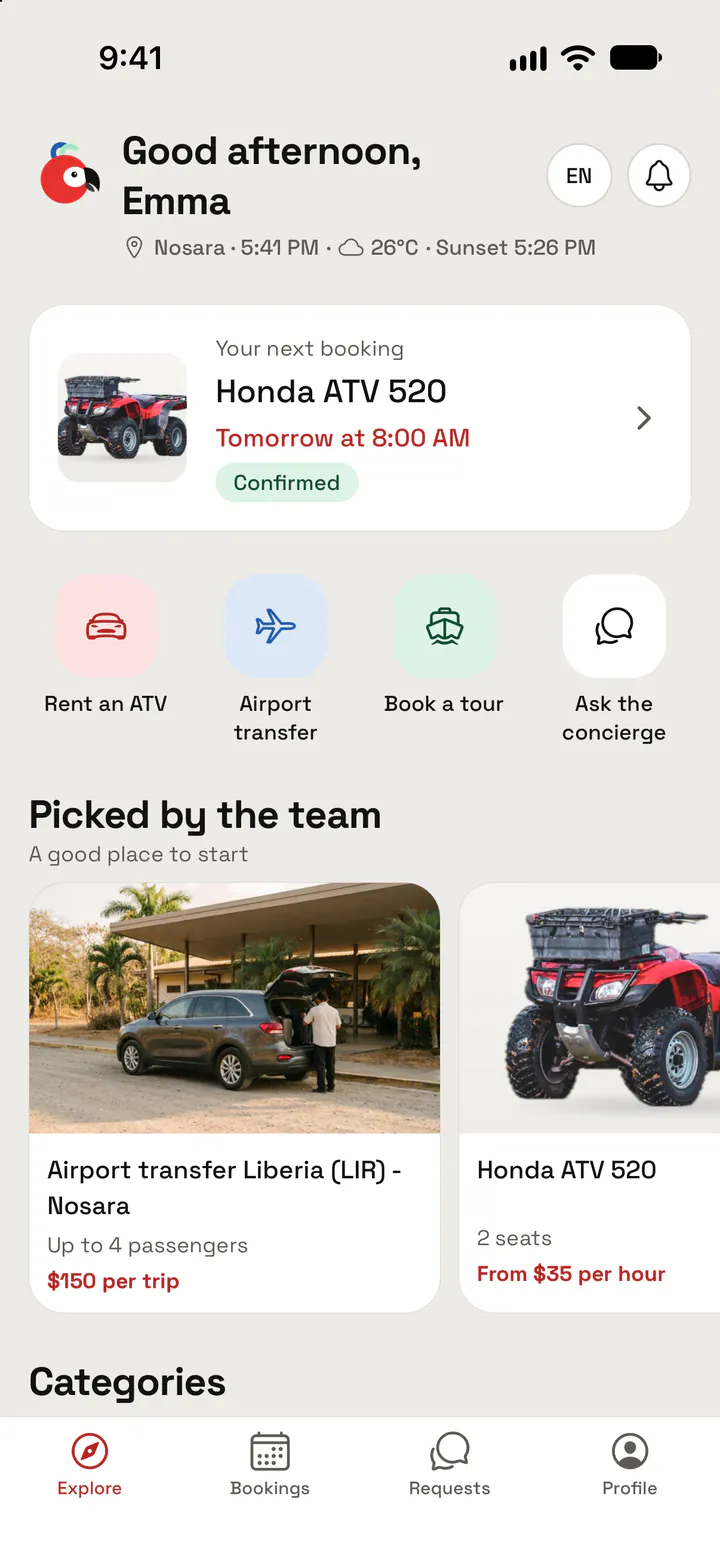
Price and terms up front
Step 2DocumentsVehicles only
License and passport, as photos
If you rent a vehicle, you upload a photo of your driver's license and of your passport or Costa Rican ID: either one is enough. The team reviews them before the handover and lets you know once they're approved.
- Required for: Honda ATV 520, Ford Edge 2023 and Golf cart.
- Nothing to upload for any other service.
- They stay in your profile, under “My documents”, with their status.
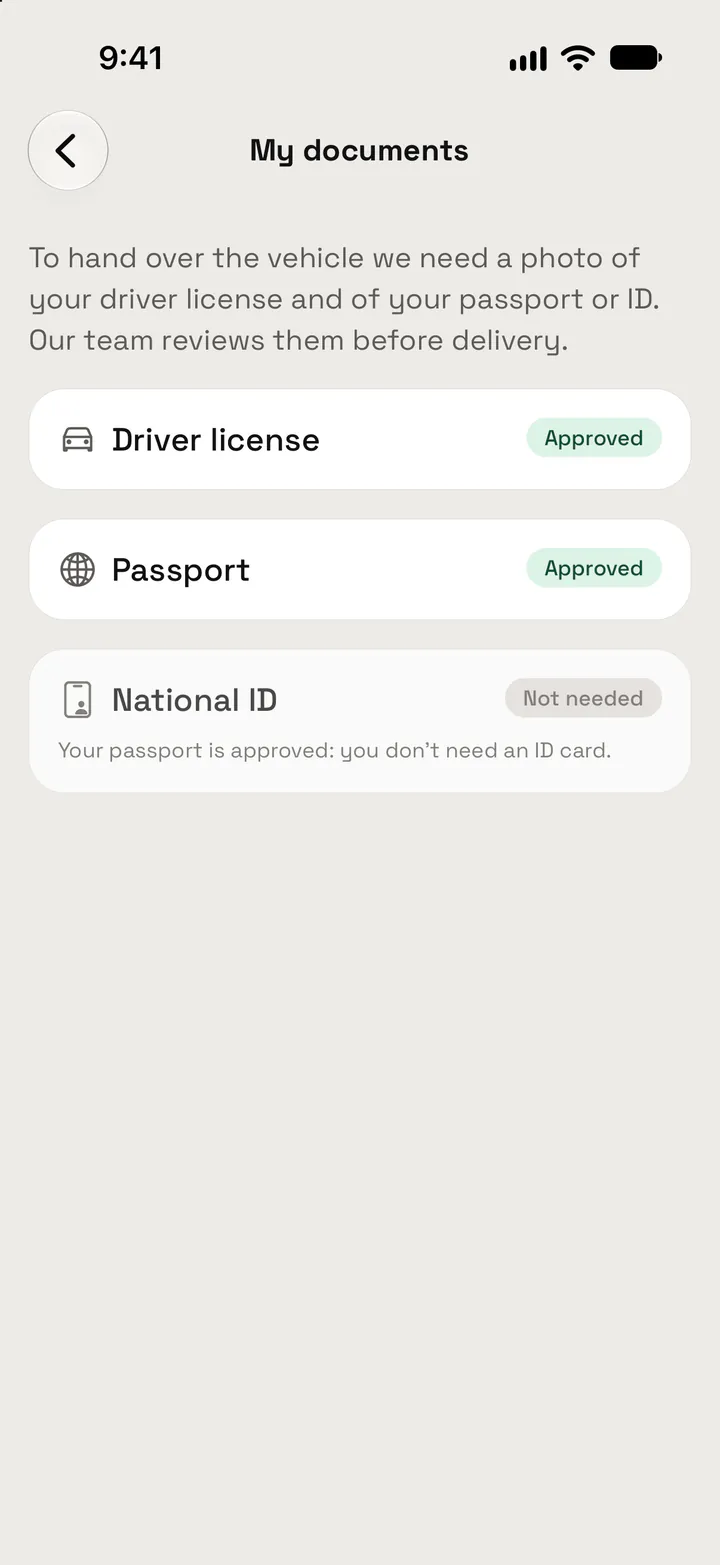
Passport or ID: either one
Step 3Agreement
Sign with your finger, whenever suits you
Read the agreement on your phone and sign it on screen, before or after paying: the booking shows both steps and you do them in whichever order you like.
- Signed for: Honda ATV 520, Ford Edge 2023 and Golf cart.
- Before or after paying: your choice.
- The signed agreement stays in your booking, to open any time.
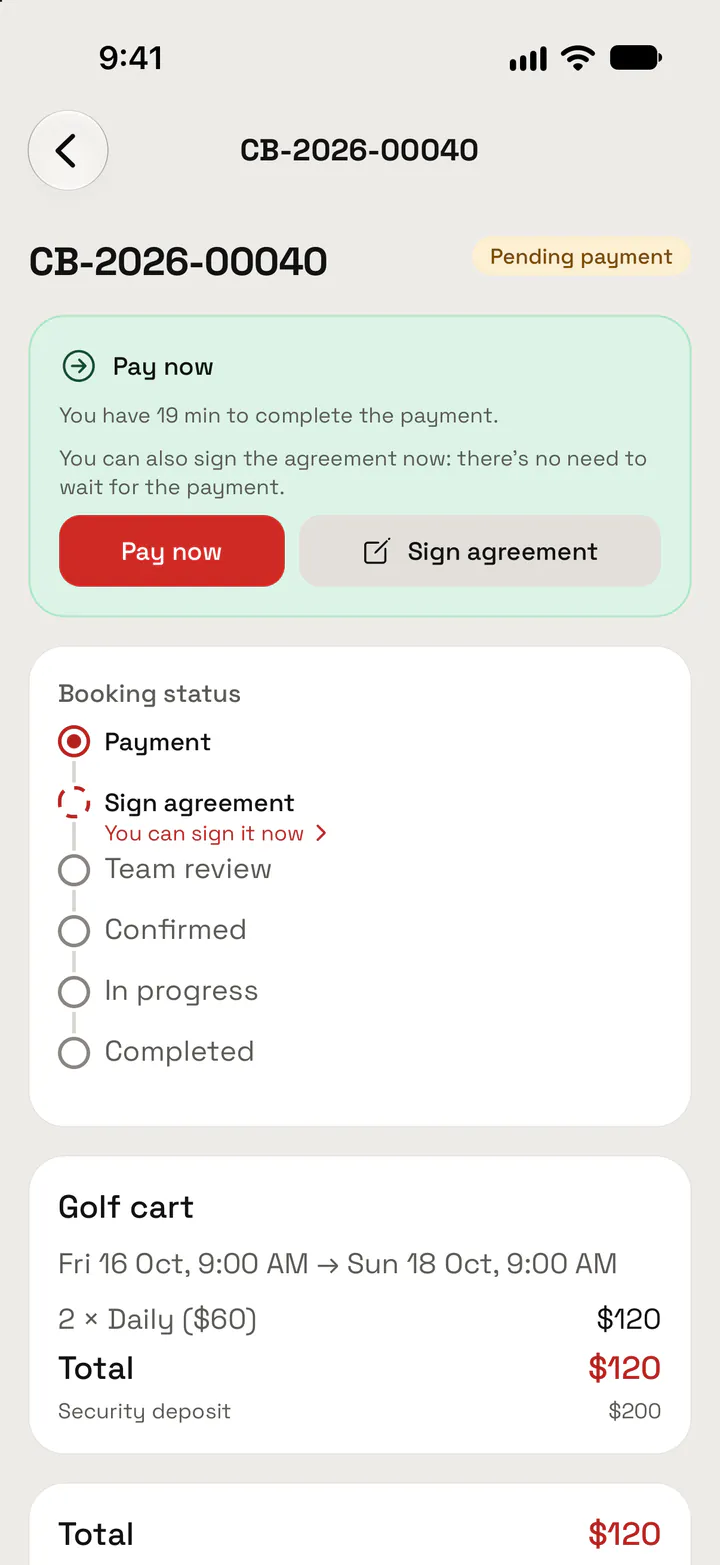
Sign with your finger
Step 4Payment
Pay by card, on Tilopay's page
When you pay, Tilopay's secure page opens. Your card details go straight to Tilopay: they never pass through Lapa. Before paying you see the total and, where it applies, the security deposit.
Your phone
You tap “Pay now” in your booking.
Tilopay
You enter your card details on its secure page.
Lapa
Only gets the payment confirmation, never your card.
Step 5Confirmation and updates
Always know where your booking stands
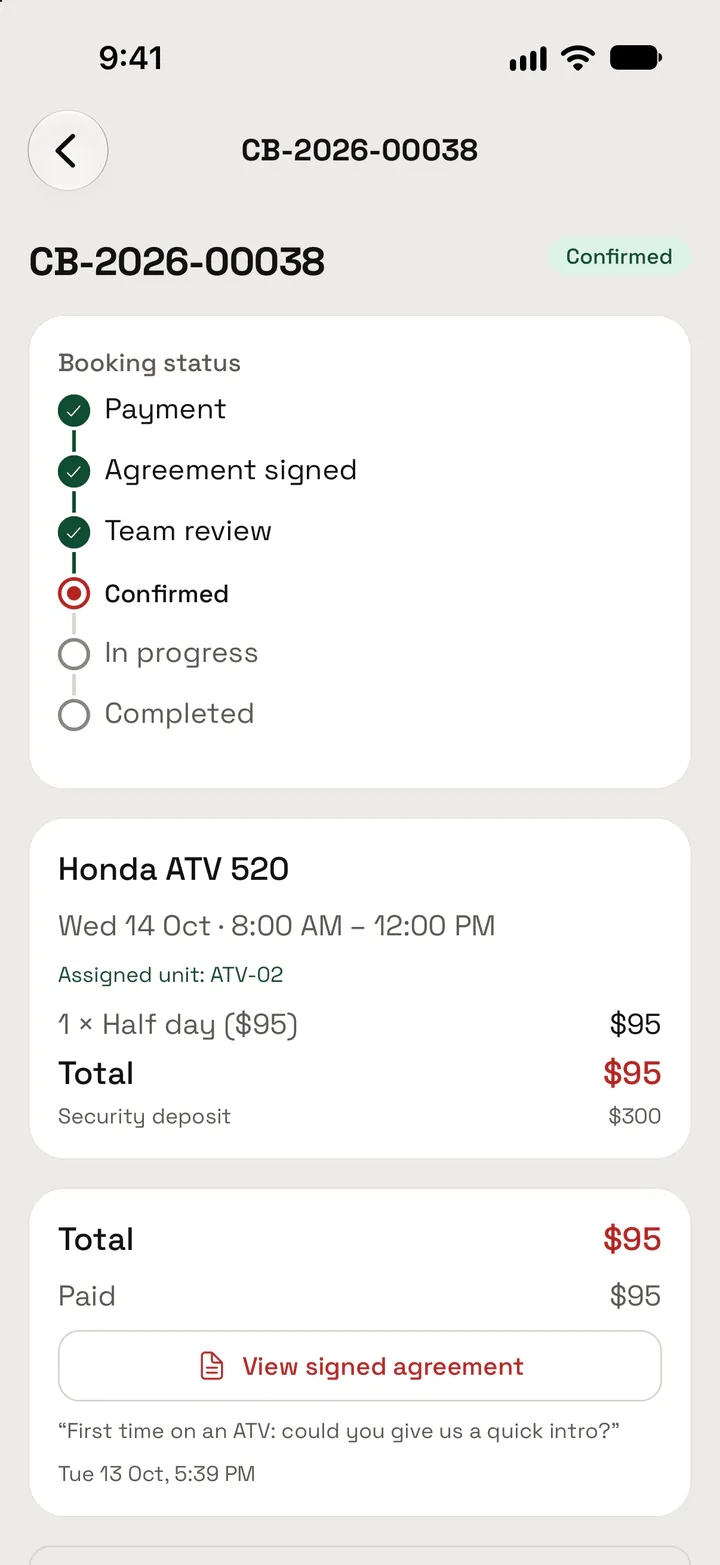
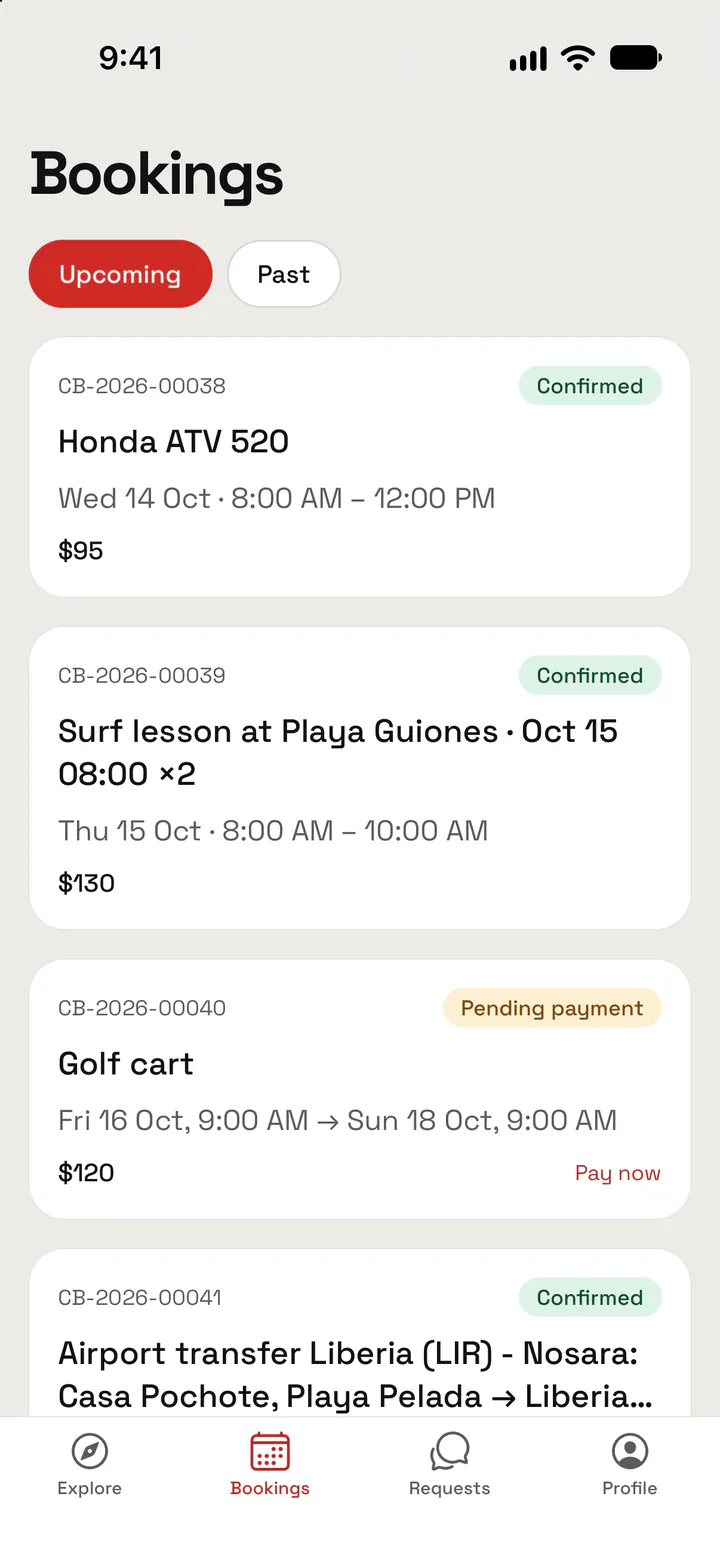
Each booking shows its status: payment, team review, confirmed, in progress and completed. We let you know in the app when it's confirmed, when your documents are approved or when a quote arrives.
Some of the updates you get

Booking confirmed!now
Your booking for Honda ATV 520 is confirmed.
Documents approvednow
Your documents were approved.
Step 6TicketsEvents
One QR per person, ready at the door
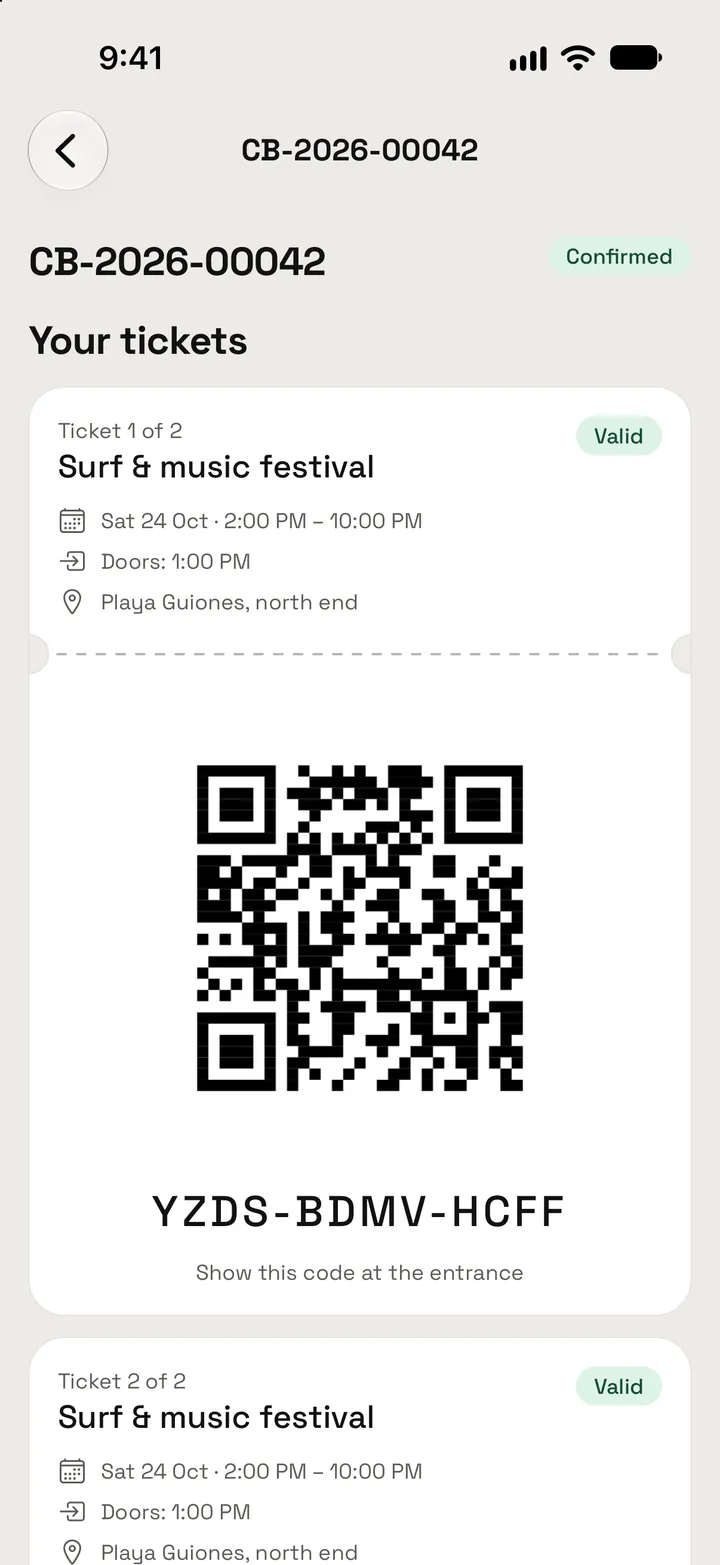
For events you pick the date and the number of tickets. Once the booking is confirmed, each person gets a ticket with a QR code: show it at the door, the staff validates it and it gets you in once.
- Each date has its own price and seats.
- Your tickets stay in your booking, on your phone.
One QR per person
Step 7RequestsAt the villa
Ask for what you need, without leaving the villa
During your stay, tell us in the app what you need, where and when, with photos if they help. The team assigns the request, tells you who's on it and you follow its status until it's done.
- Included in your stay: Villa cleaning, Maintenance request and Other request.
- At the catalog price: Grocery delivery and In-villa massage.
Villa cleaning
- Received
- Assigned
- In progress
- Completed
Frequently asked questions
Do I need the app to book?
No. Choose on the website and send us your request. We'll write to you to confirm availability and explain how to pay and, for a vehicle, how to send your documents and sign the agreement.
Which documents do I need?
Only for Honda ATV 520, Ford Edge 2023 and Golf cart: a valid driver's license and your passport or Costa Rican ID (either one is enough). Nothing to upload for any other service.
Can I sign the agreement before paying?
In the app, yes: the booking shows both steps and you do them in whichever order you like. In the meantime, we'll explain how to sign it when we confirm. Right now the agreement applies to Honda ATV 520, Ford Edge 2023 and Golf cart.
How do I pay? Is it safe?
By card, on Tilopay's secure page. Your card details go straight to Tilopay: they never pass through Lapa.
How do I know my booking is confirmed?
We'll write to you to confirm it. In the app, each booking also shows its status (payment, team review, confirmed) and we let you know when it's confirmed.
What if a service says “To be quoted”?
Send us your request and the team sends you the quote with the total, before charging anything. In the app you get an update and pay it from the booking, on Tilopay's secure page.
How far ahead do I need to book?
It depends on the service: right now, between 1 and 24 h ahead. You'll see it on each service page and in the summary on this page.
Can I cancel?
Yes. You can cancel bookings in the app, and requests too until they're completed. Cancellation is free up to 24–48 h before the start, depending on the service. After that, get in touch and we'll see how we can help.
When are you open?
We're open 7:00 AM to 9:00 PM, Costa Rica time. We're in Playa Guiones, Nosara, Guanacaste, Costa Rica.
Explore what we offer

Vehicles
An ATV, a golf cart or an SUV to get around at your own pace.

Transfers
From the airport to your villa with a driver, and rides around Nosara.

Tours & experiences
Surf lessons at Guiones and turtle tours at Ostional.

Villa services
Cleaning, groceries, massages and whatever you need, without leaving home.
Ready?
Build your request in minutes
Browse the catalog, pick what you need and send us your request: we'll confirm by message. Questions? Get in touch and we'll help you choose.